
STEP 01 / 07
One day. Everything in view.
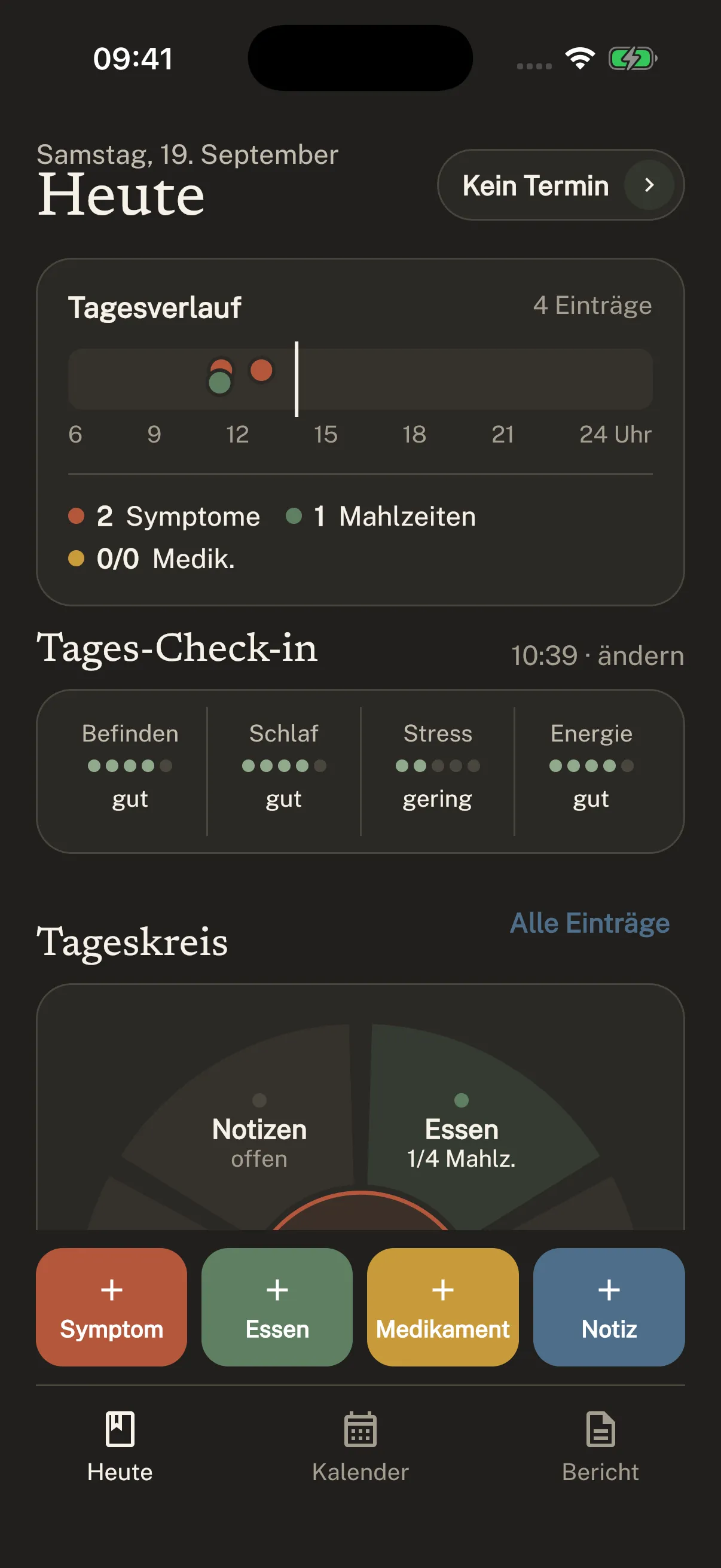
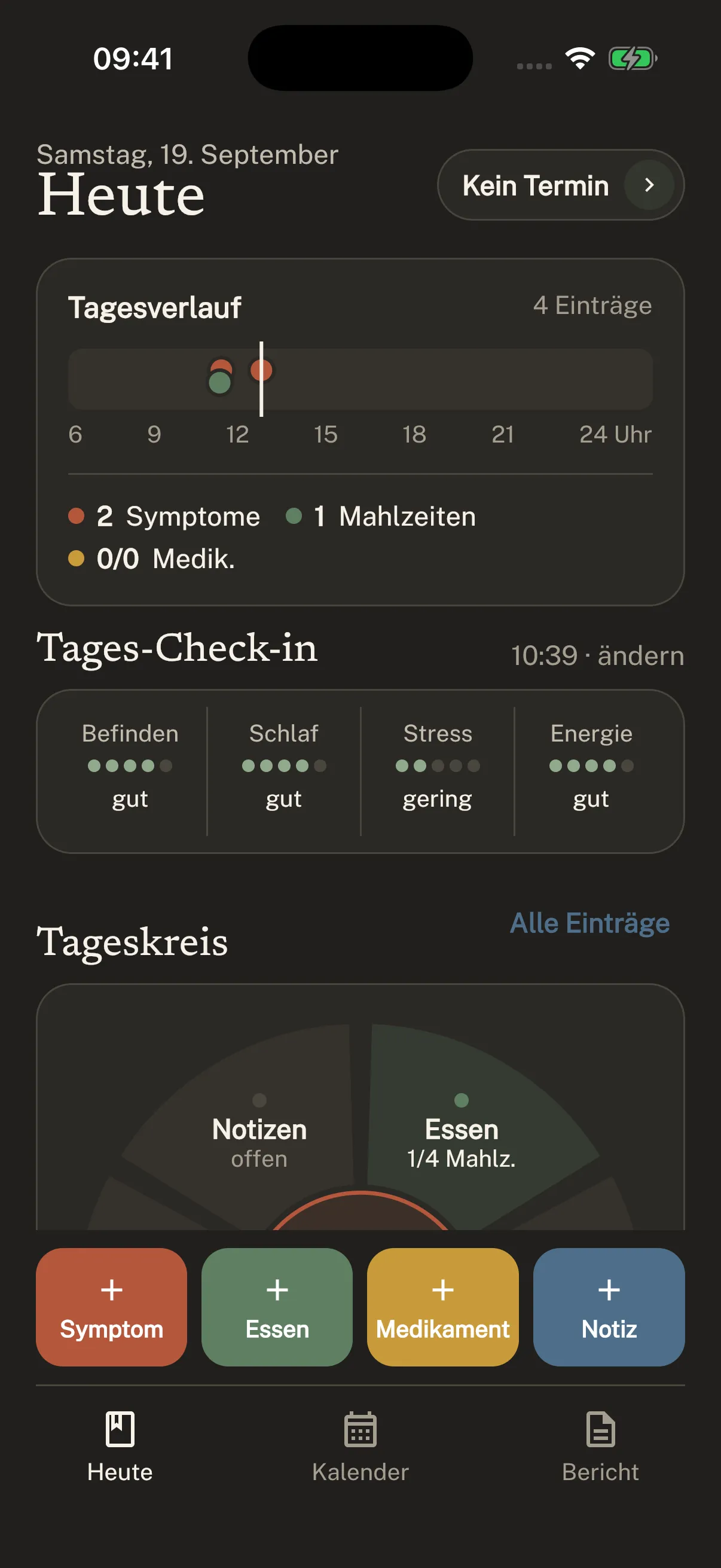
How are you today? Your check-in, meals and entries come together in one calm overview.
Use the quick actions at the bottom to capture what matters right now.
Your personal starting point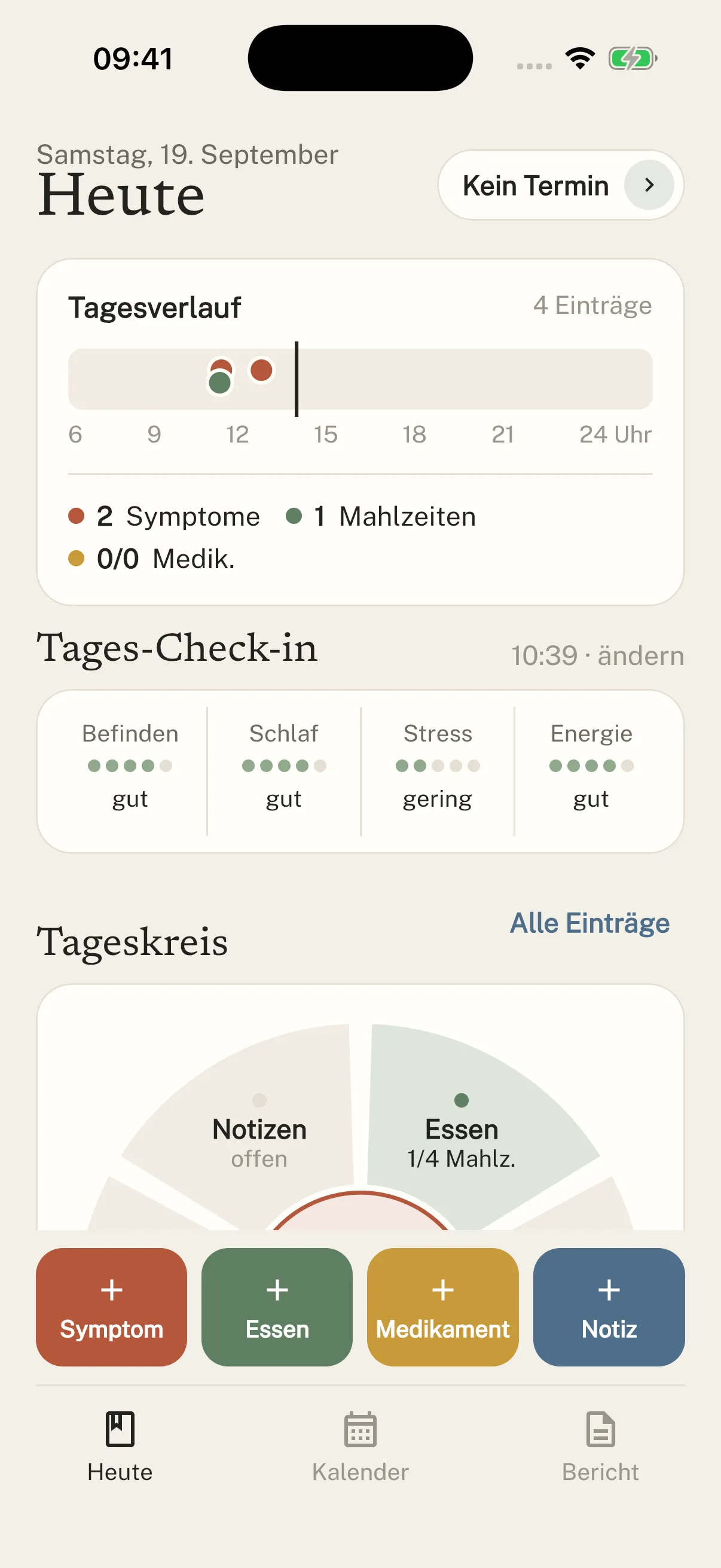
From your first entry to your appointment.
Each step with the screen it is about.
How are you today? Your check-in, meals and entries come together in one calm overview.
Use the quick actions at the bottom to capture what matters right now.
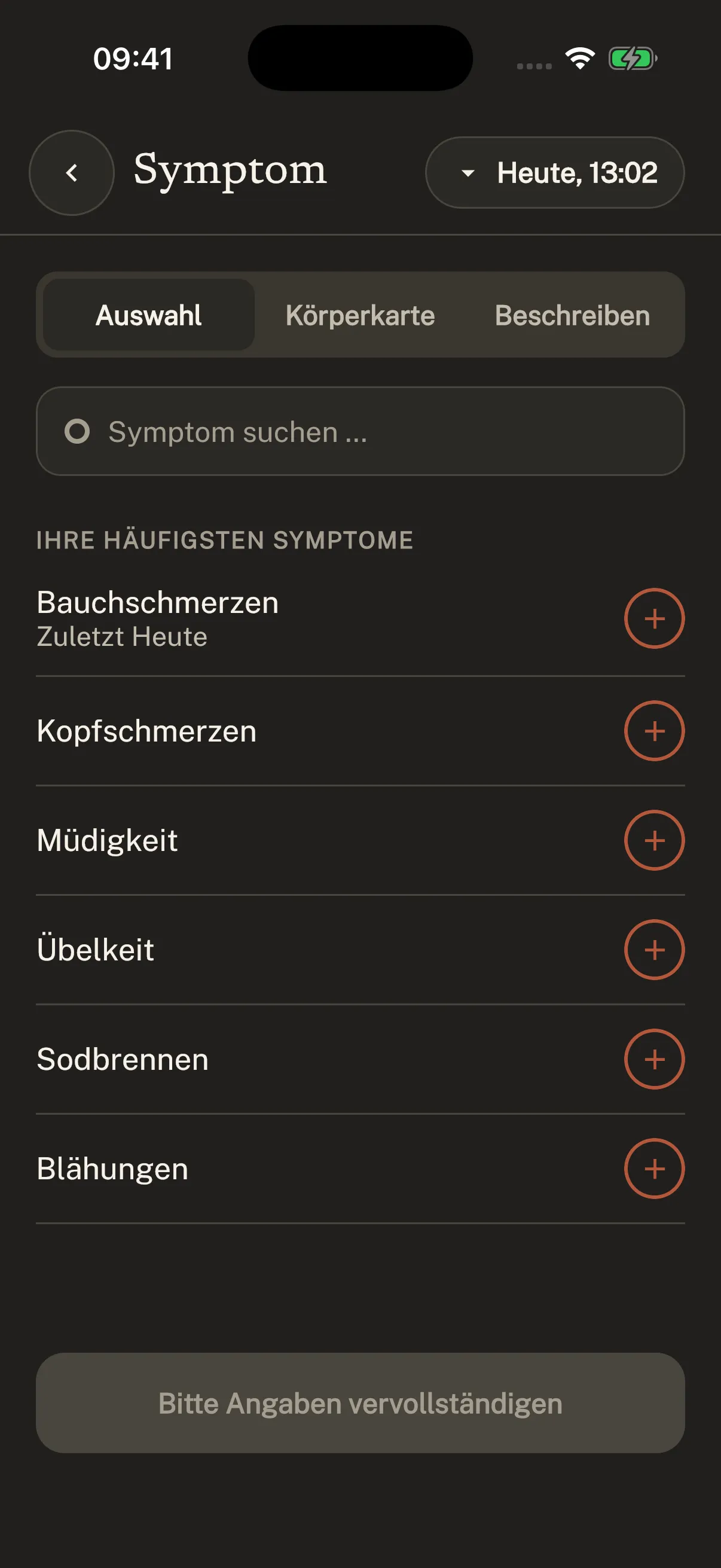
Your personal starting pointOpen a symptom entry and choose what you feel. The recording shows an observation becoming an entry.
Search, a body map or your own words: the app offers several ways to record symptoms.
For example: abdominal pain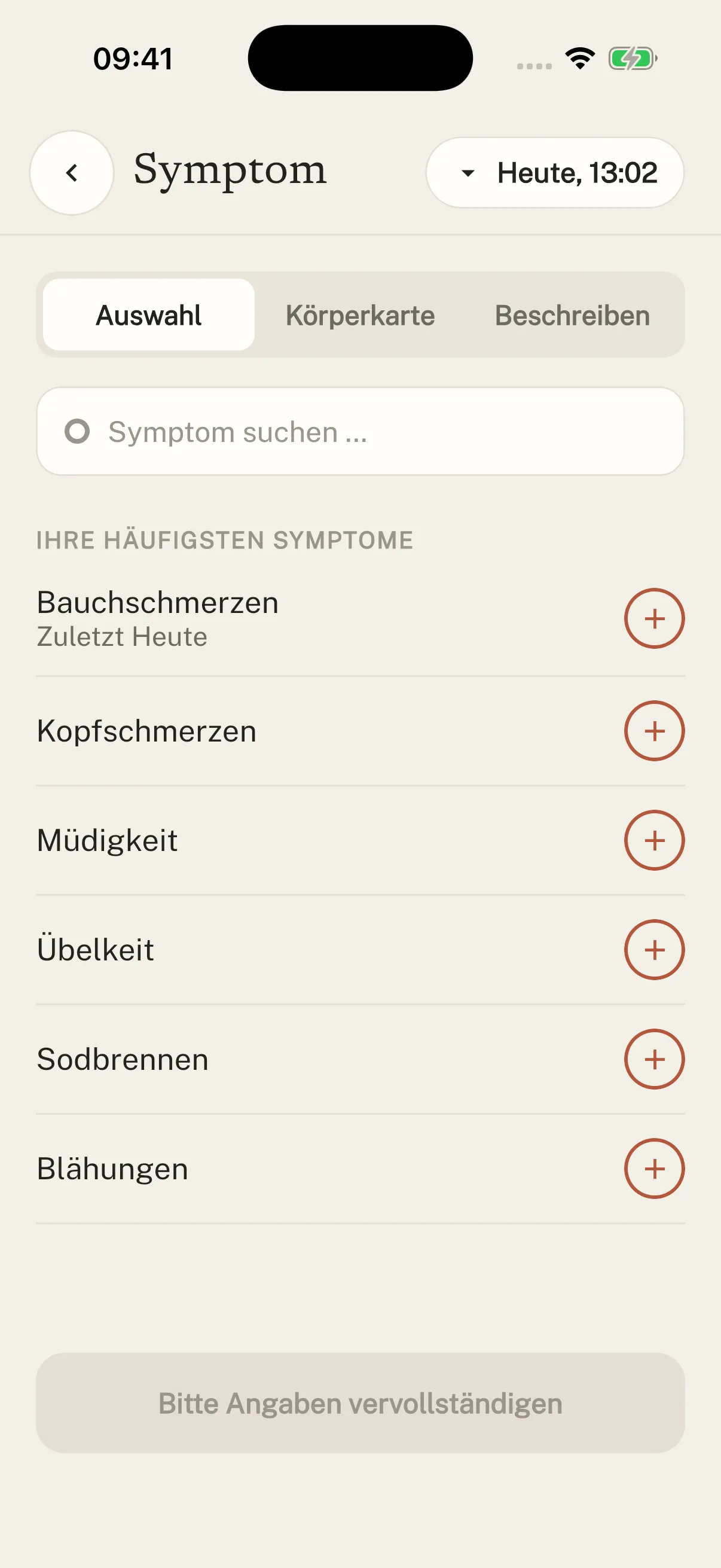
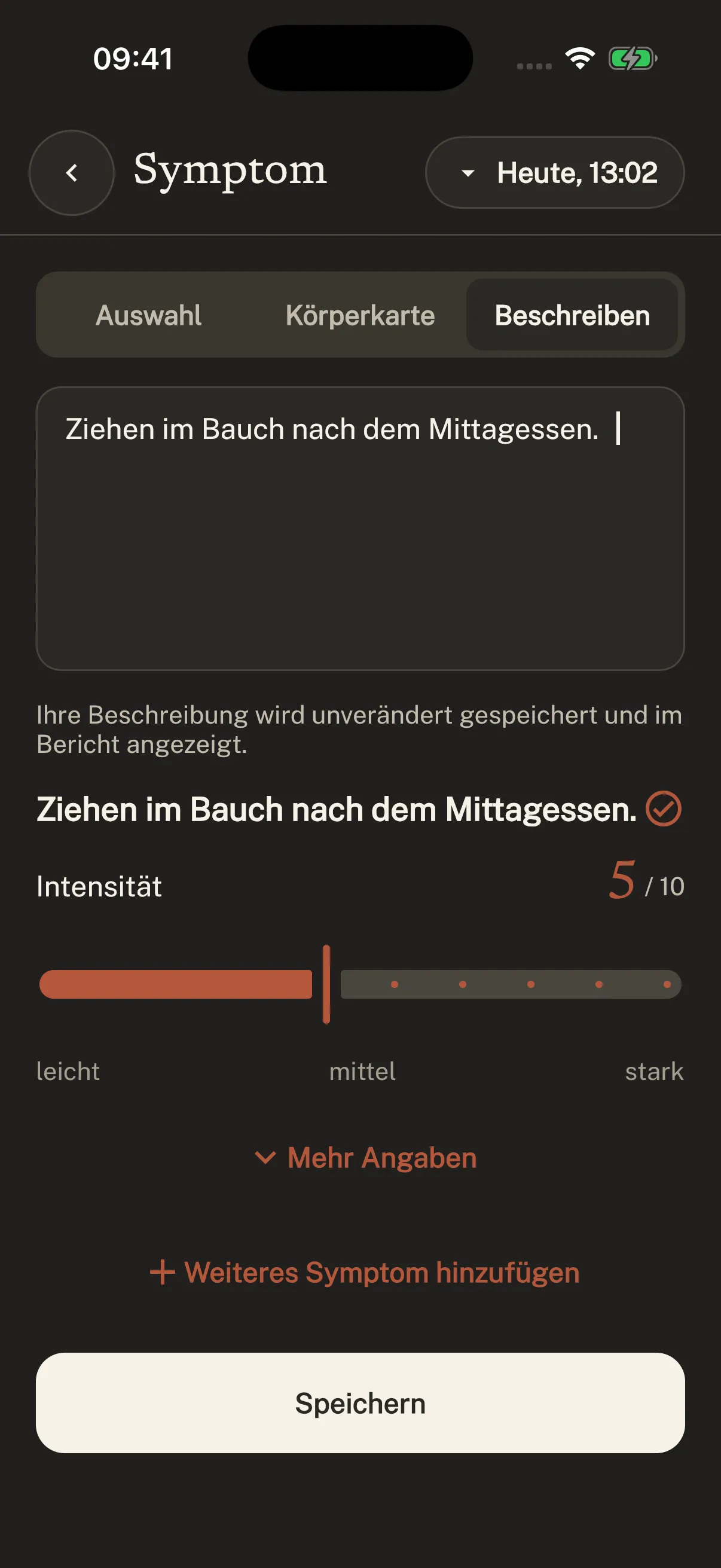
Record intensity on a scale of 1 to 10. Here, the real app shows an example entry with a value of 5.
Your description and intensity stay together with the entry. You can add further details.
Your experience, recorded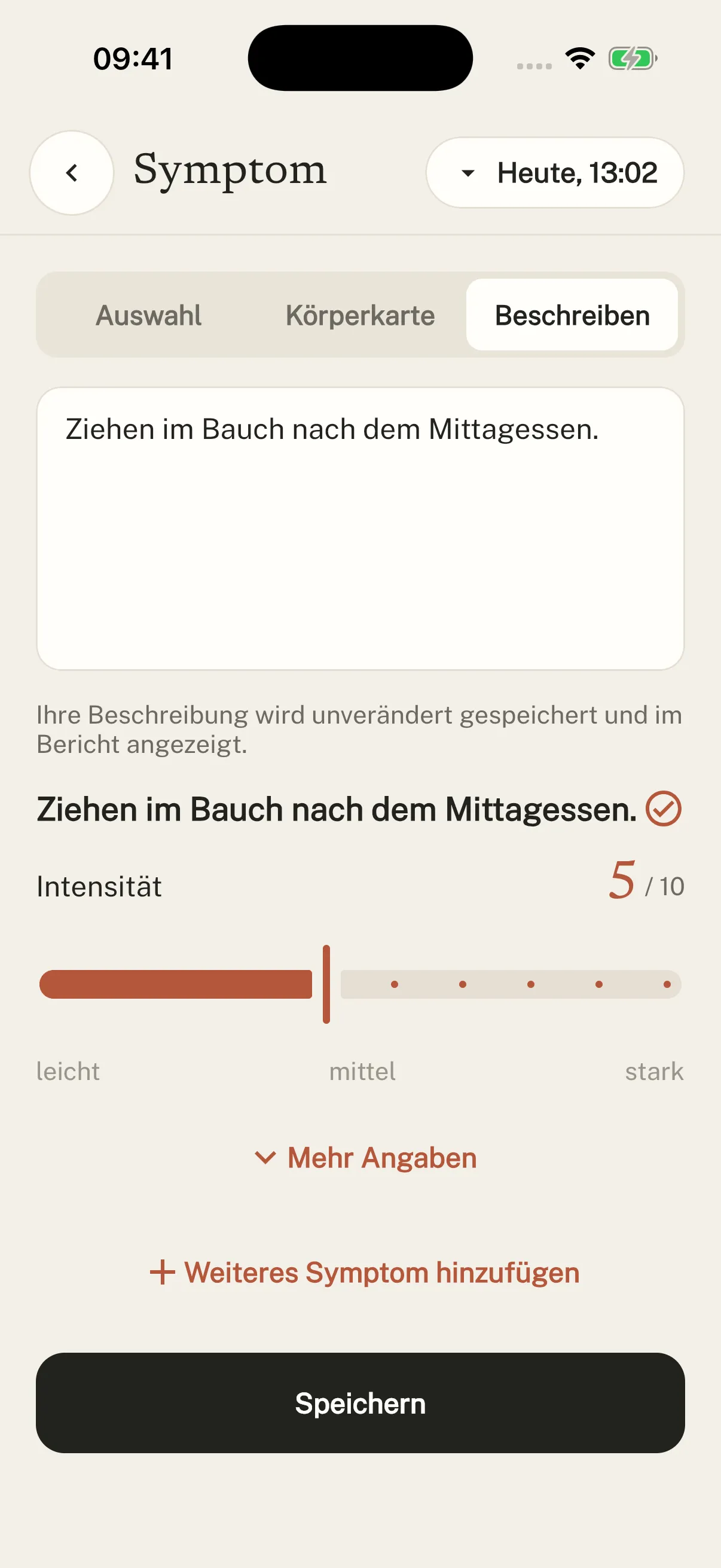
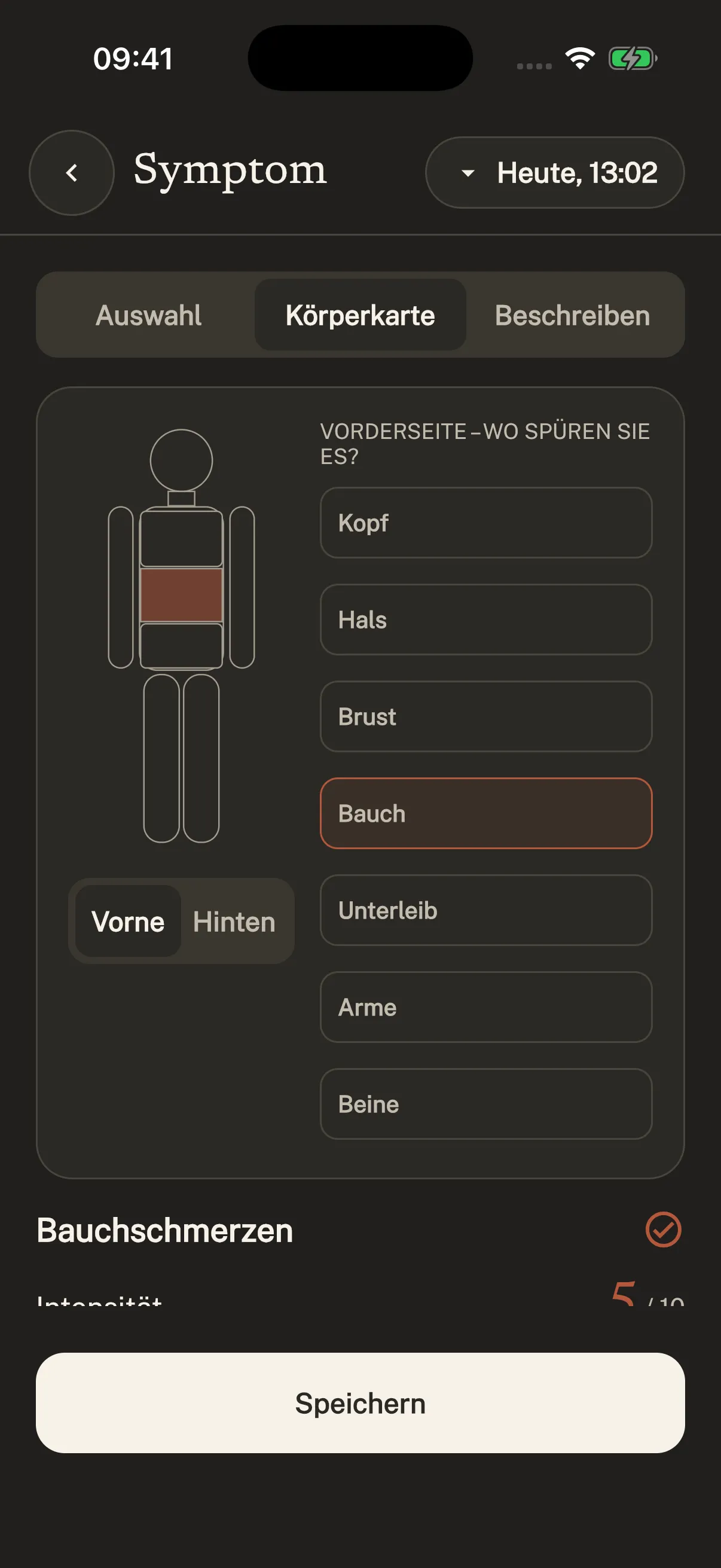
Choose the relevant body area. The highlighted region shows the area you are recording.
Choose between the front and back of the body. You can explore both in the original screens below.
Select the front or back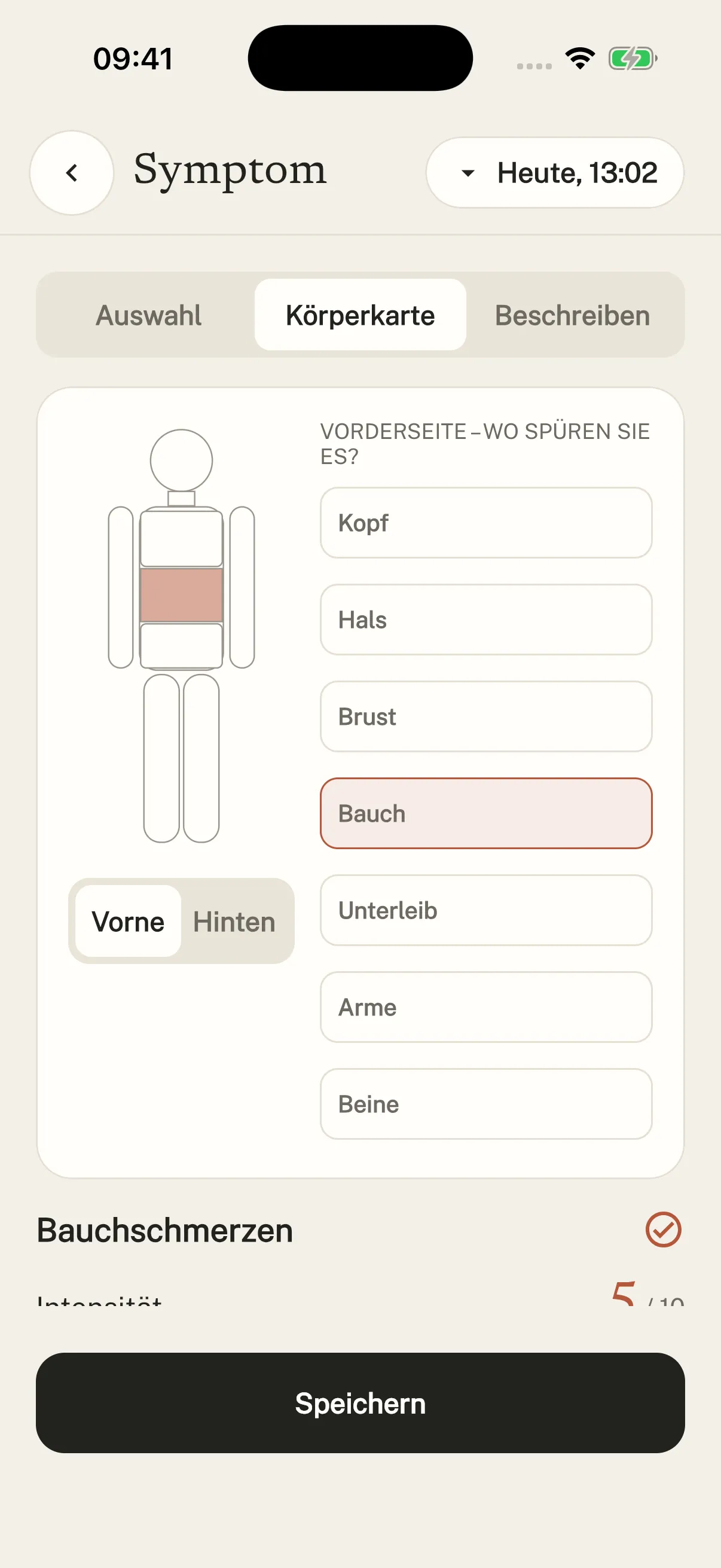
Save – and your symptom appears in your daily timeline, alongside the earlier meal and your check-in.
The order of events stays clear. You will not have to piece it back together from memory.
An entry. In its place.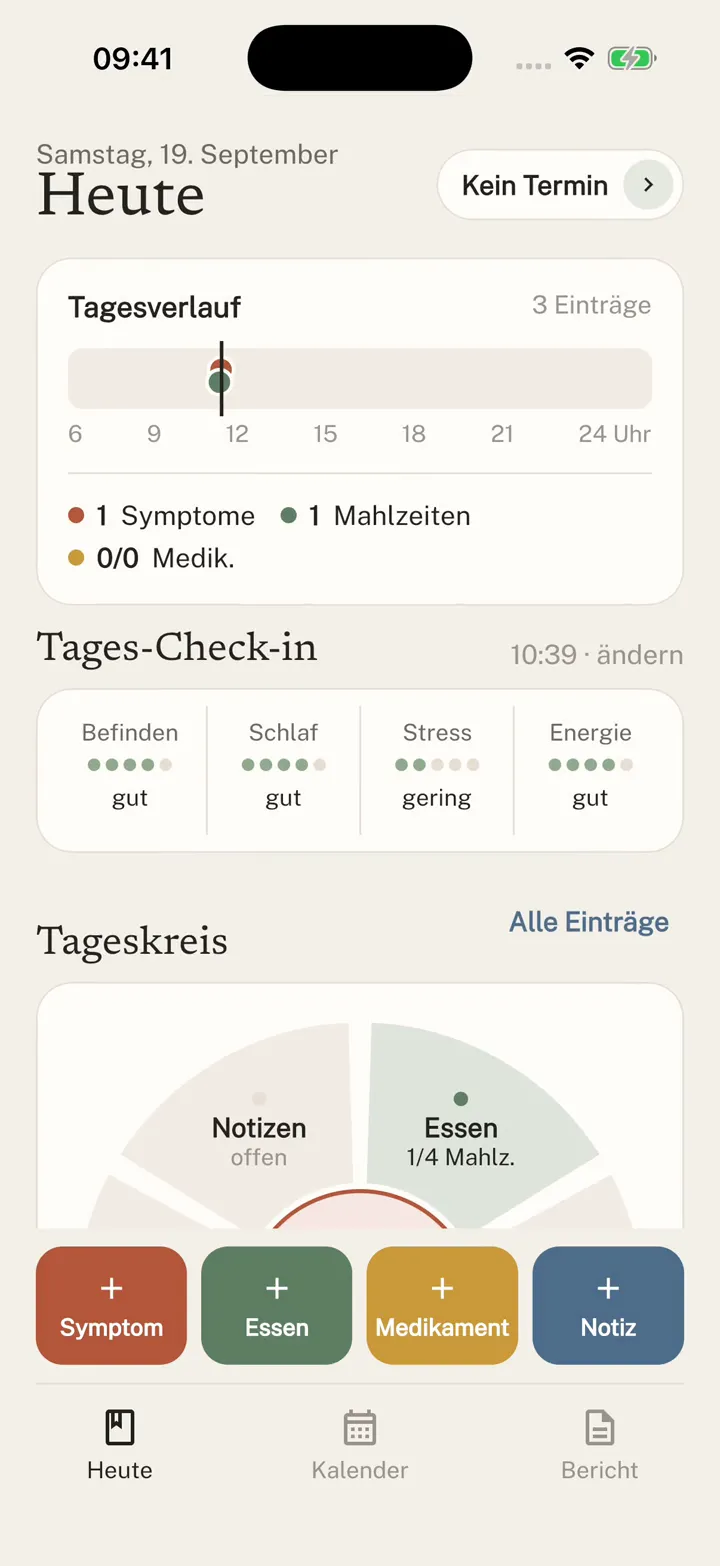
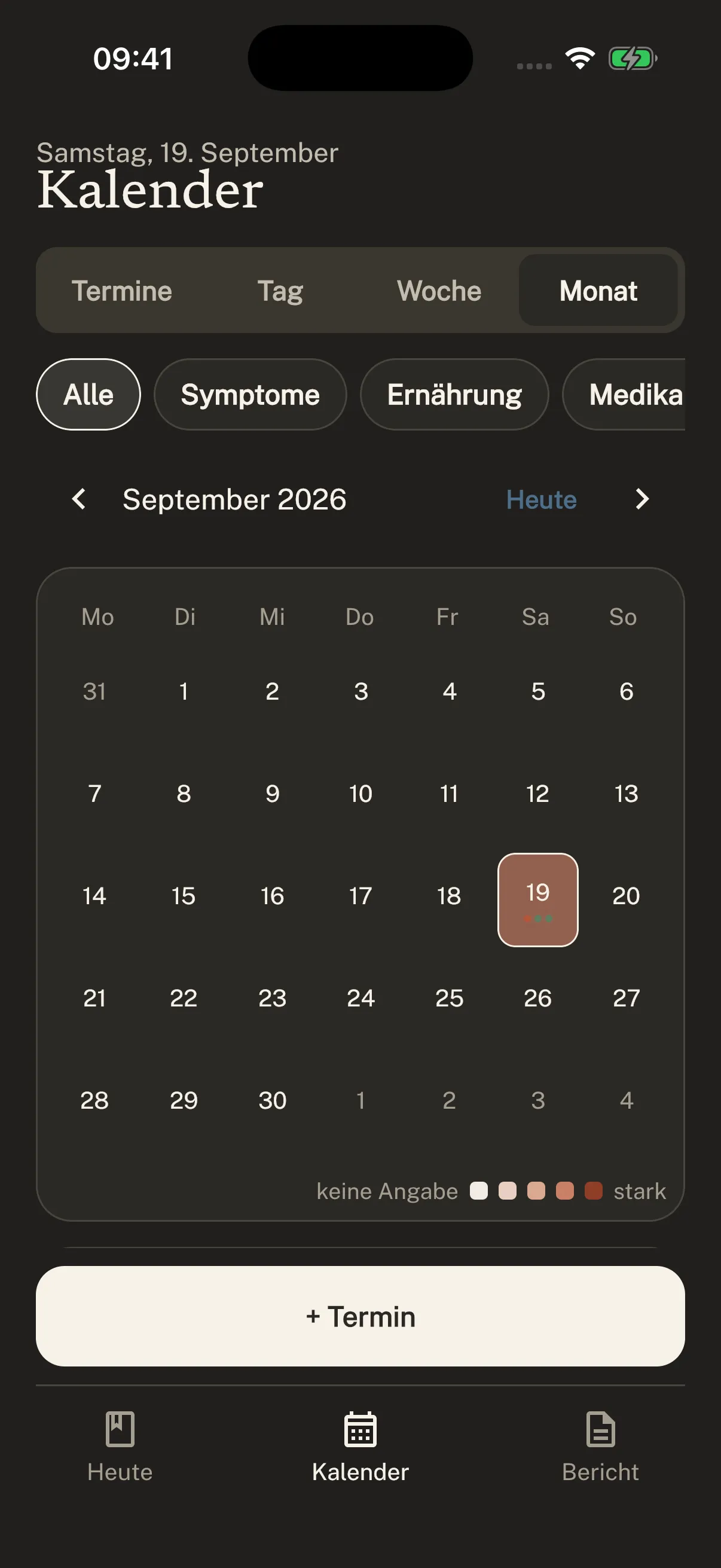
Find earlier entries in the calendar. See what you recorded and when, then look back at individual days.
A day without an entry remains a gap. Symtag does not turn it into a symptom-free day.
Look back without guessing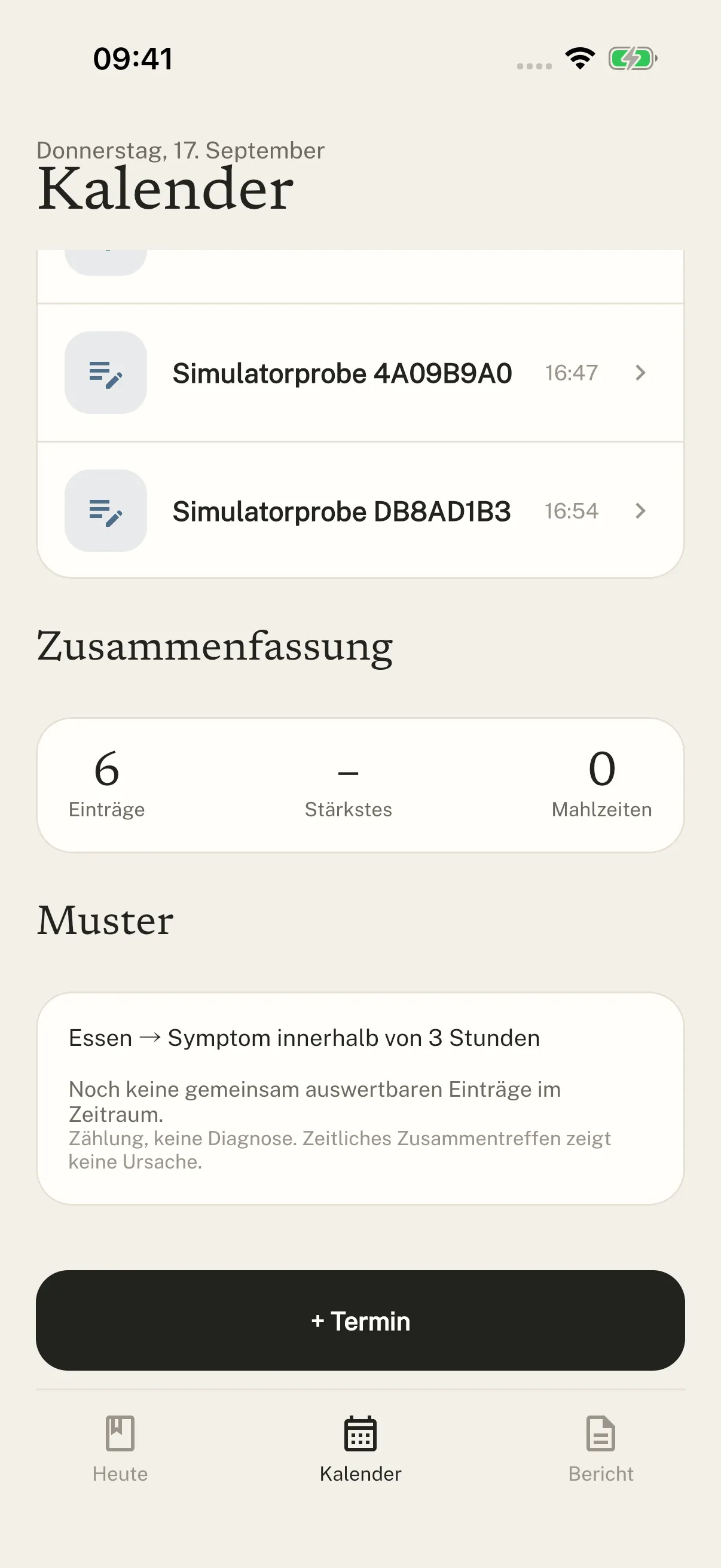
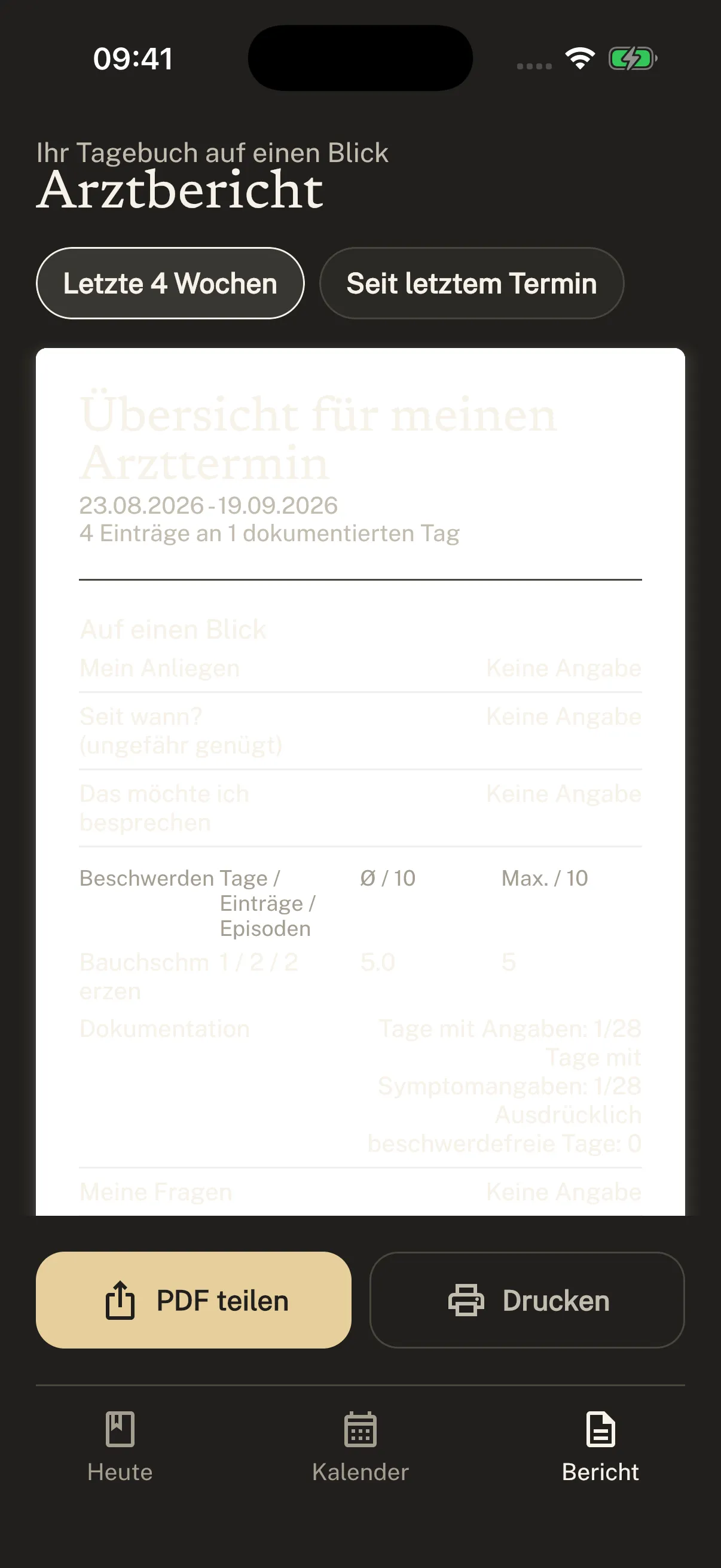
Choose a period for your report. Your records help you bring up the observations that matter at your appointment.
Review your report and decide what to share. Medical interpretation belongs in the appointment.
Your observations, ready to take along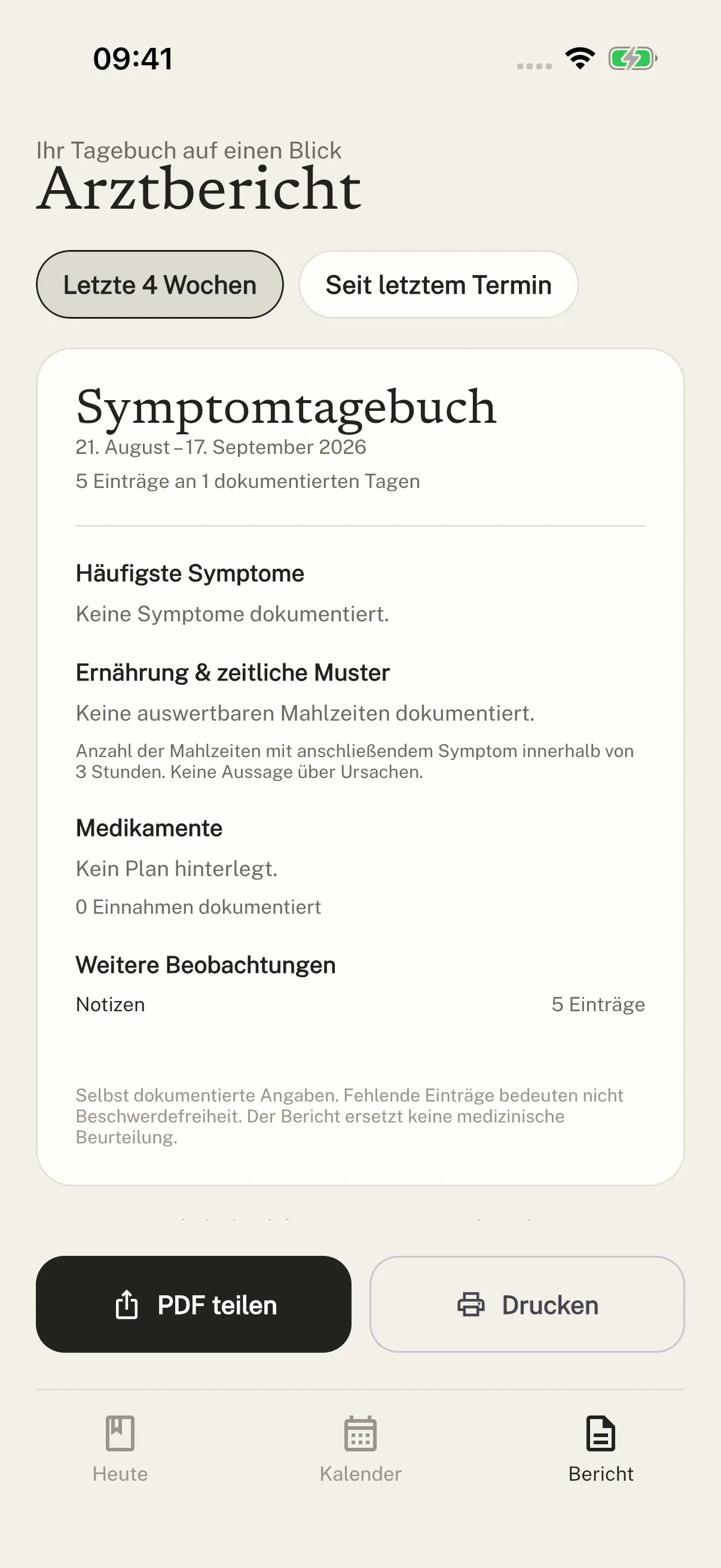
We will let you know when you can get started.
Until then, there is already a place for you here.